Automatic follow-ups for leads who stop replying
Most leads don't answer the first message. Real Extent follows up with each one on the schedule you choose, writes every email from what that person actually said, and stops the moment they reply.
You can also tell it in plain words: “If Mike doesn't reply in three days, follow up.” It remembers and does it at the right time.
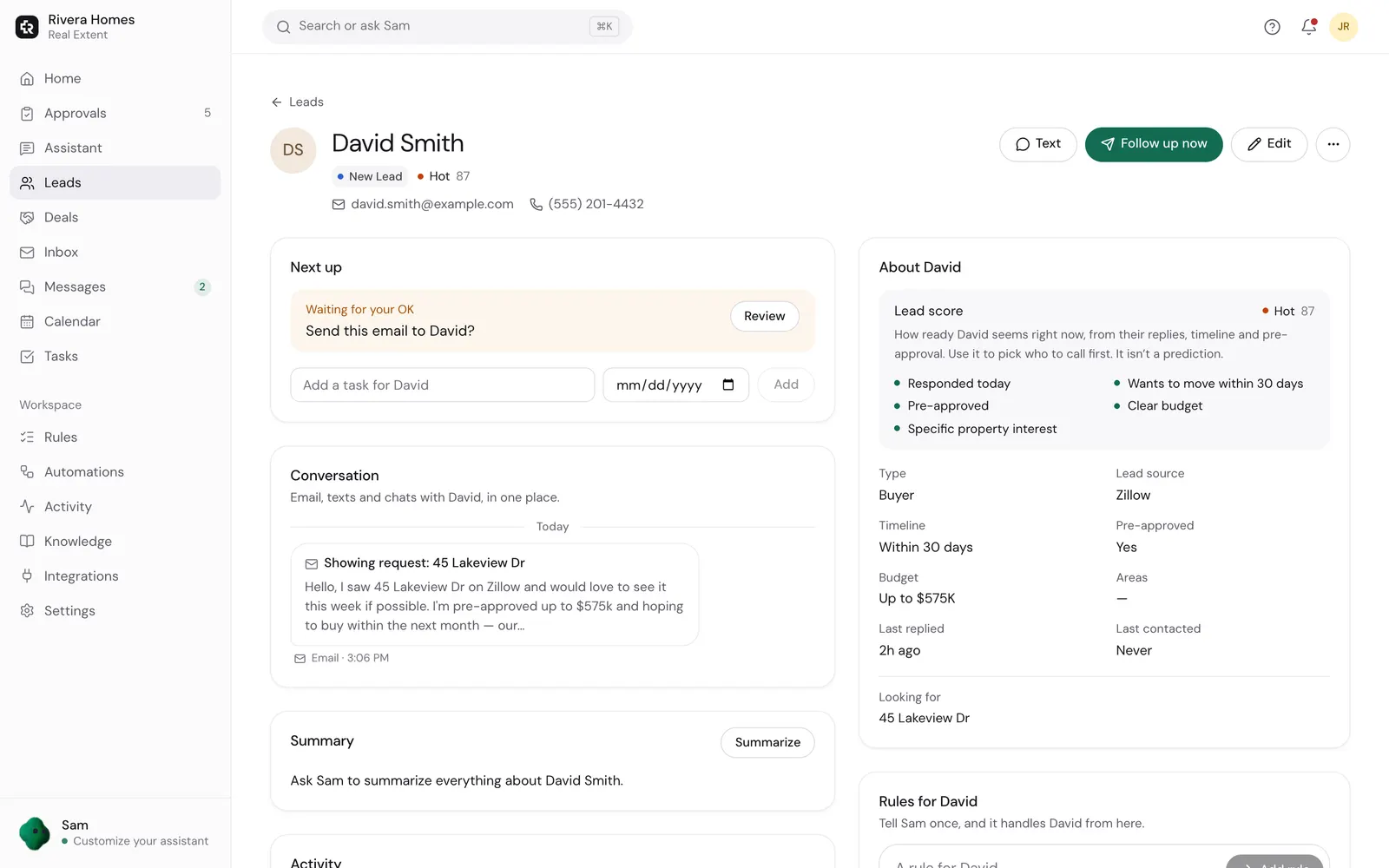
How follow-ups work
- 1
Pick how persistent to be
How many follow-ups, and how far apart. Different for new leads, past clients, and your sphere.
- 2
It writes each one fresh
Not the same template every time. Each email uses their details and brings something new.
- 3
It checks before sending
Right before a follow-up goes, it looks at your inbox. If they just replied, it doesn't send.
- 4
Working hours only
Follow-ups go out during your working hours, never at 2 AM, and at least 20 hours apart.
- 5
It stops on its own
When they reply, opt out, or their deal closes, the follow-ups stop.
- 6
It tells you why
If a follow-up didn't go, you see the reason: no email address, opted out, already waiting for your OK.
Persistent, never pushy
- Follow-ups can wait for your OK, or send on their own. It's one setting, and you can change it any time.
- Anyone who asks to stop is marked as opted out. STOP and unsubscribe are honored right away.
- Pause follow-ups for one person, or turn them off for everyone.
- Every follow-up is logged in Activity, with what it said and why it went.
Questions agents ask
- How many follow-ups does it send?
- As many as you choose during setup, spaced out over weeks. A common setup is four to six tries over a month or two for a new lead, then a check-in every month or two.
- Does it really stop when they reply?
- Yes. It checks your inbox before every follow-up, and a reply from them, in email or a connected text channel, cancels the rest.
- Can I set a rule for one person?
- Yes. Type it the way you'd say it: “Remind me to call Priya Monday at 9” or “If the Lees don't reply by Friday, follow up.” Rules work for one person, a group like past clients, or everyone.
- Can I see the emails before they go?
- Yes. By default they wait in Approvals. You can edit any of them.
Never let a lead go quiet because you got busy
Set how persistent to be once. The assistant follows up, and stops when they answer.
Plans from $19/month, billed when you subscribe. Sending starts on Ask first. Need setup help?
Keep reading
- Follow-up email templatesPersonalize 8 free real estate follow-up emails and texts for unanswered leads, buyers after a showing, and sellers. Copy or download, with an example follow-up schedule.
- Lead repliesReal Extent reads new inquiries from Zillow, Realtor.com, your website and open houses, and writes a reply in your voice within minutes. It waits for your OK until you tell it to send on its own.
- Built-in CRMReal Extent's built-in CRM adds leads from your inbox, scores who to call first, and keeps every email and text with each person on one page, plus tasks, notes and deal dates.